Coming soon
MAGIC BRIDGE / FLASHED BOARD
Magic Bridge
$35USD
Flashed. Tested. Ready to pair.
Your Bluetooth-to-USB bridge, with the firmware already installed. Pair your keyboard with the free Mac app.
Keep the keyboard you love. Give it a new connection.
A little board, flashed and tested for you.
Free Mac app · macOS 14+ · Apple silicon & Intel
$35USD
Flashed. Tested. Ready to pair.
Your Bluetooth-to-USB bridge, with the firmware already installed. Pair your keyboard with the free Mac app.
Magic Bridge turns a Pico into a Bluetooth-to-USB bridge for your Magic Keyboard. Set it up with the Mac app, then let the little board do the work.
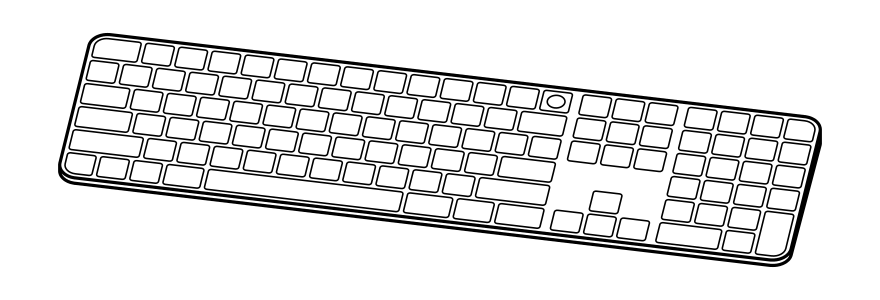 Your Magic Keyboard
Your familiar layout, media keys, and keyboard. The bridge handles the connection.

Native Touch ID forwarding for a compatible Magic Keyboard and Apple silicon Mac.
The Pico remembers its keyboard. After setup, everyday use needs no background app.
RIGHT AT HOME ON YOUR MAC
Clear steps. Familiar controls. A few optional checks to make sure everything feels right.
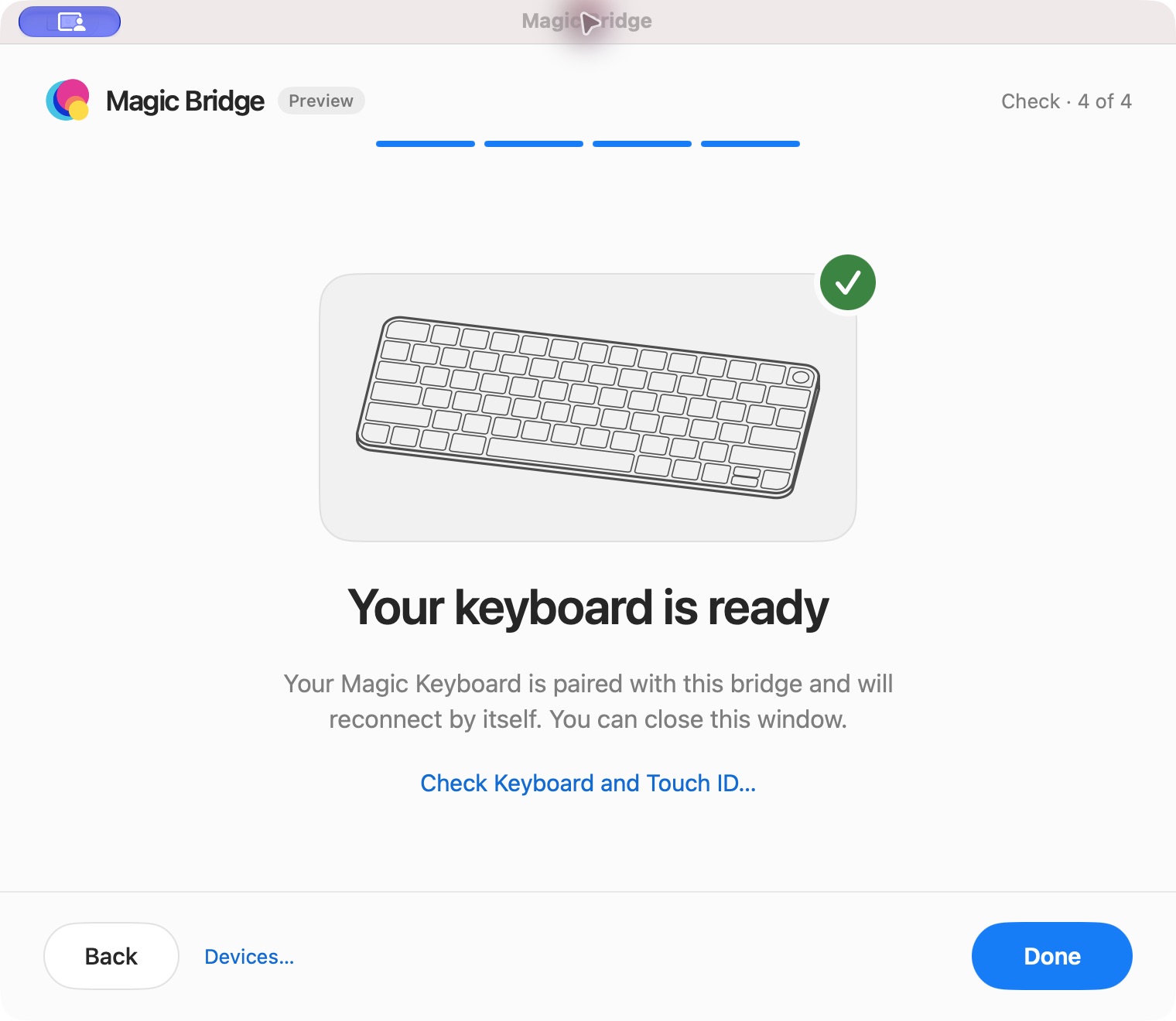
Your keyboard reconnects by itself. Close the app and get on with your day.
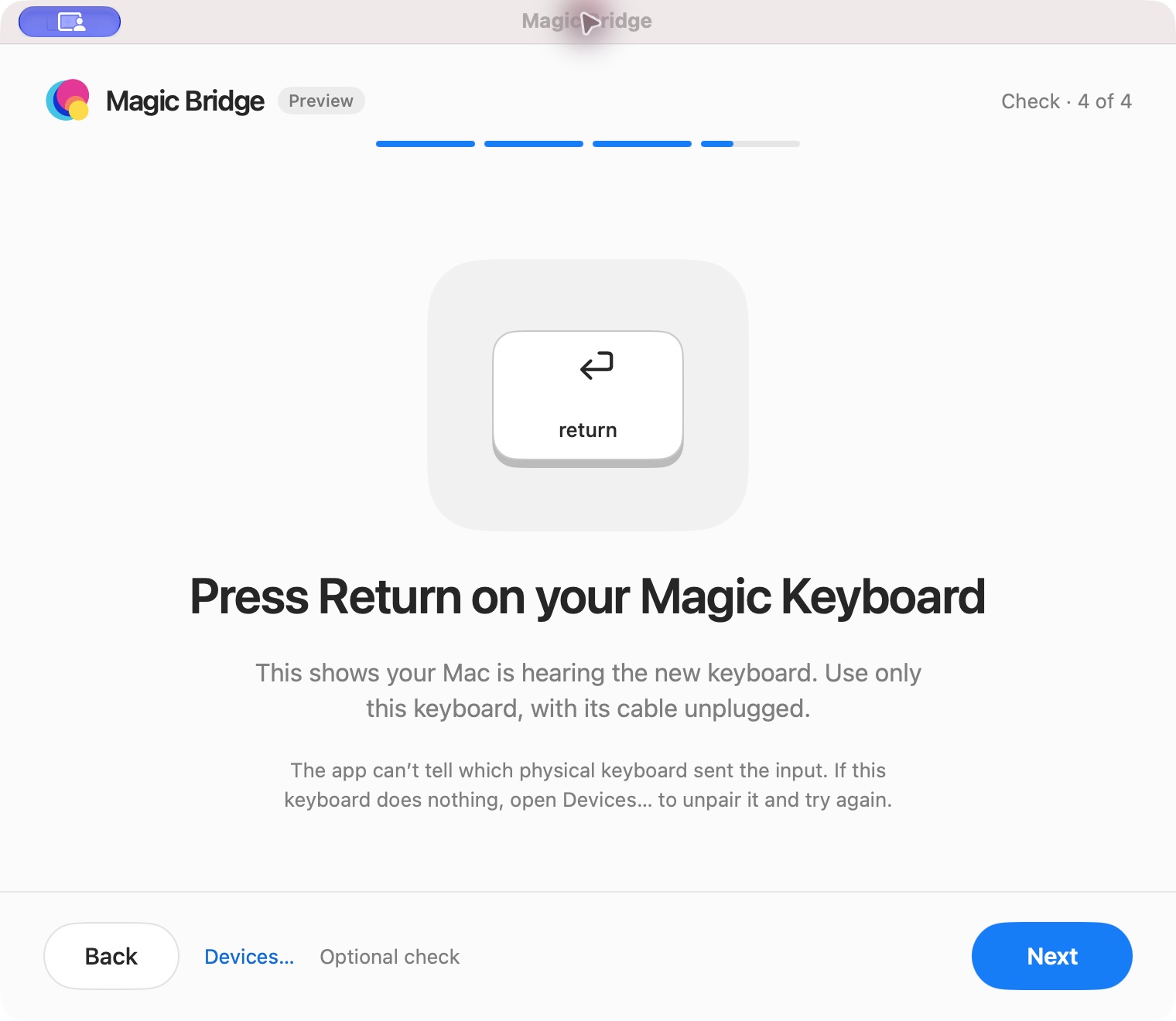
Press Return on your paired keyboard to check that your Mac is hearing it.
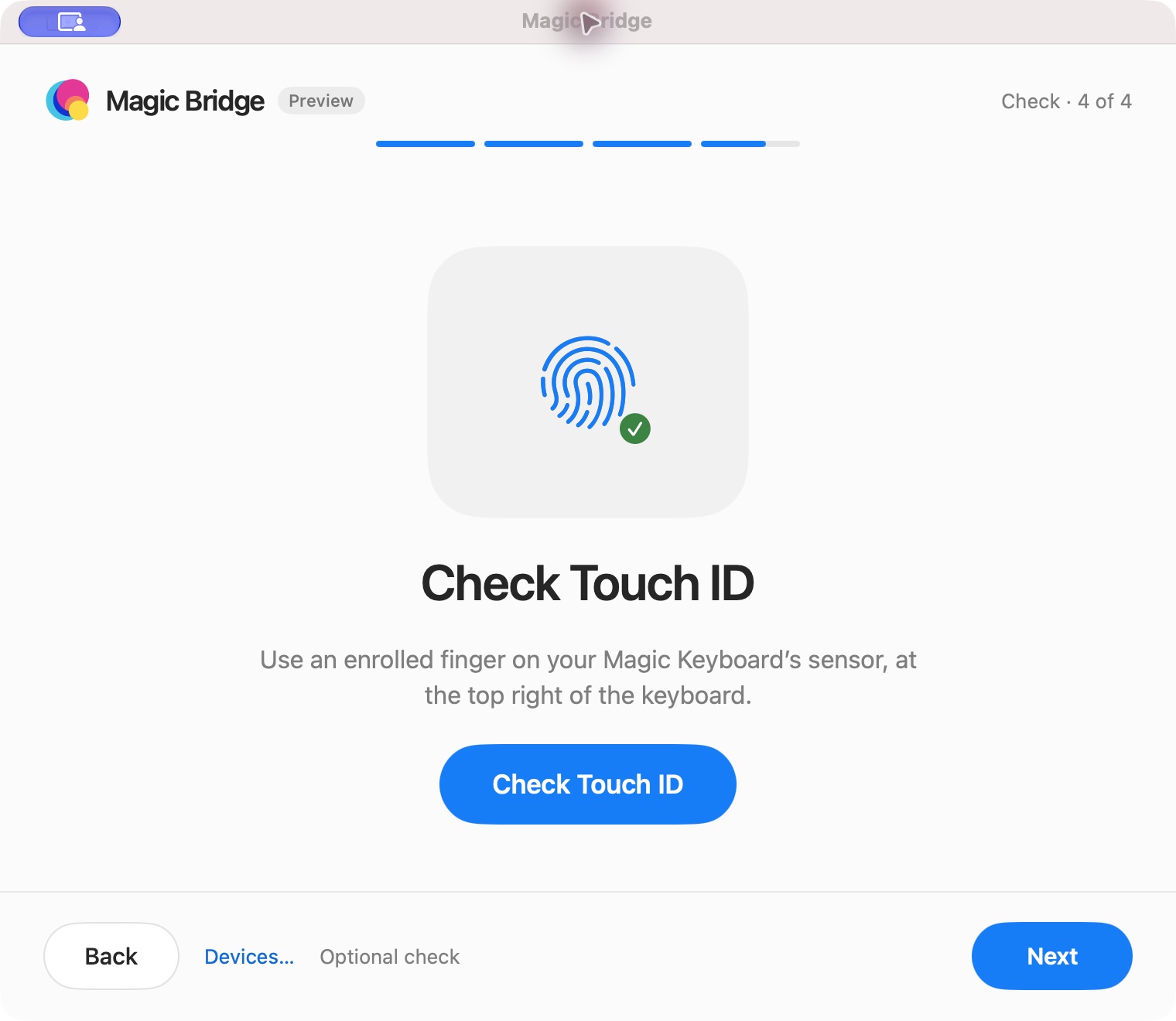
Check Touch ID with your compatible keyboard and Apple silicon Mac.
THE FREE MAC APP

A native app. A guided setup. You’re connected.
macOS 14 or later · Apple silicon & Intel · Signed & notarizedA flashed Magic Bridge is ready for setup. Bring your Magic Keyboard and a USB data cable.
Connect your flashed board to your Mac with a USB data cable. The firmware is already installed.
Open the .dmg, drag Magic Bridge into Applications, and launch it. Connect your Pico with a USB data cable and select your bridge.
Follow the app’s keyboard preparation and pairing steps. Check your typing and Touch ID. Your Pico remembers the pairing for next time.
FOR THE MAKERS
Bring your own Pico. The firmware is free to download, whether you’re starting a DIY build or updating a board you already have.
Hold BOOTSEL while connecting your Pico by USB. Drop the matching .uf2 file onto the drive that appears. Once it restarts, open the Mac app to pair your keyboard.
Choose the firmware that matches your board. Pico 2 W builds are available; physical board validation is still pending.
SHA-256 checksumsGood to know before you bridge.
The $35 flashed board is coming soon. Orders aren’t open yet. The free Mac app and DIY firmware are available now.
A Magic Bridge, a USB data cable, and a compatible Magic Keyboard. The Mac setup app needs macOS 14 or later. For DIY builds, use a Pico W, Pico WH, or Pico 2 W. Non-wireless Pico boards aren’t supported.
Touch ID requires a compatible Magic Keyboard with Touch ID and an Apple silicon Mac. The setup app also runs on Intel Macs, but that does not add Touch ID support to Intel hardware.
These downloads focus on the Magic Keyboard. Trackpad support is still in development, and Magic Mouse support is planned. Use your trackpad’s normal Mac connection for now.
No. Use the Mac app to set up and check the connection. The firmware runs on the Pico, and the board stores the keyboard pairing.
Magic Bridge is an independent project in active development. It isn’t affiliated with Apple or Raspberry Pi. The app and firmware downloads above are provided by the Magic Bridge project.